Outlook Email Signatures for Your Entire Organisation
NewNow free for up to 5 users
Focused Outlook signature management for Microsoft 365. Free for up to 5 users, and it scales when you grow.
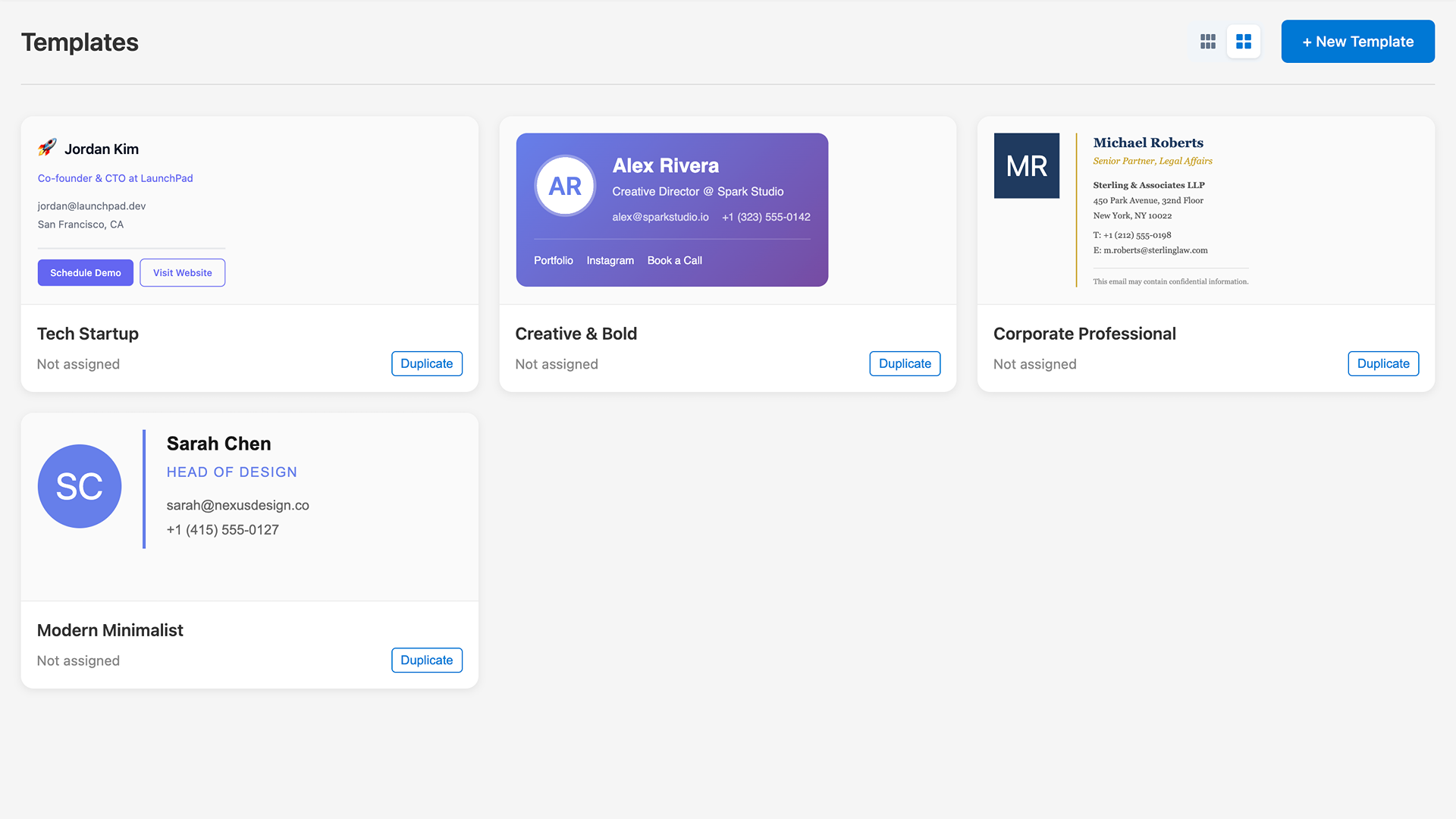
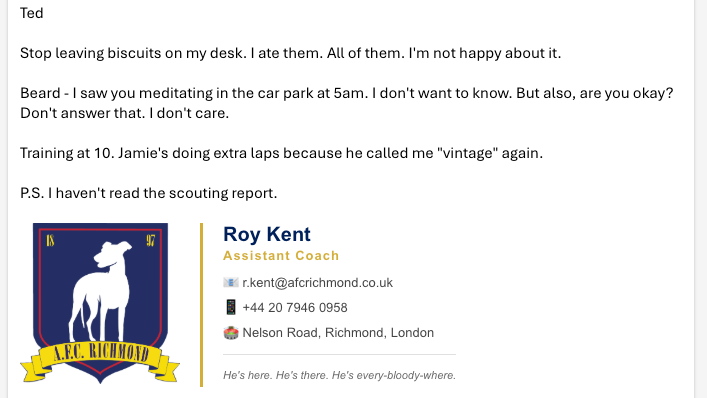
Auto-Applied
No user action needed
Everything You Need to Manage Outlook Signatures
Powerful features designed for IT administrators who want set-and-forget Outlook signature management.
Outlook Add-in
Our Outlook add-in automatically applies signatures when users compose emails. Works across desktop and web.
Mobile SupportNEW
Full client-side mobile signatures for iOS and Android. No server-side processing, no data routing through third parties.
User & Group Assignment
Assign different signatures to users or security groups. Perfect for departments, teams, or regional offices.
Dynamic Placeholders
Automatically populate signatures with user data from Entra ID - name, title, department, phone, and more.
Entra ID Integration
Seamless integration with Microsoft Entra ID (Azure AD). No additional user management required.
HTML Signature Editor
Create beautiful, branded signatures with our visual editor. No HTML knowledge required.
Half the Price
Just £0.57 per user/month. 49% cheaper than CodeTwo and 19% cheaper than Exclaimer.
How It Works
Get started in minutes, not days. Here's how simple it is.
Connect Your Tenant
Link MailTail to your Microsoft 365 tenant via Entra ID. Single sign-on for admins, automatic user sync.
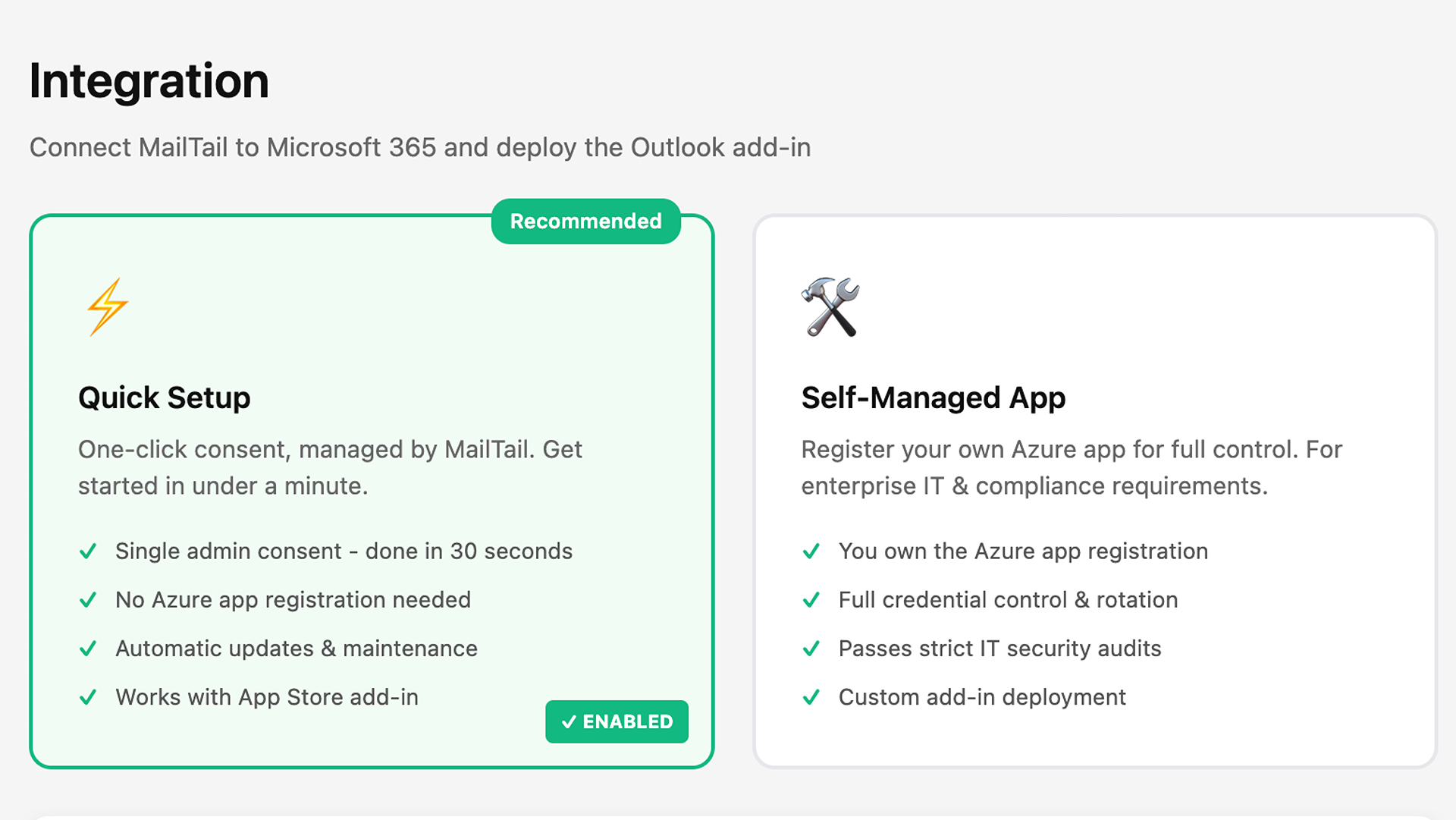
Design Your Signatures
Create branded signatures using our visual editor. Use dynamic placeholders that auto-fill with user data.
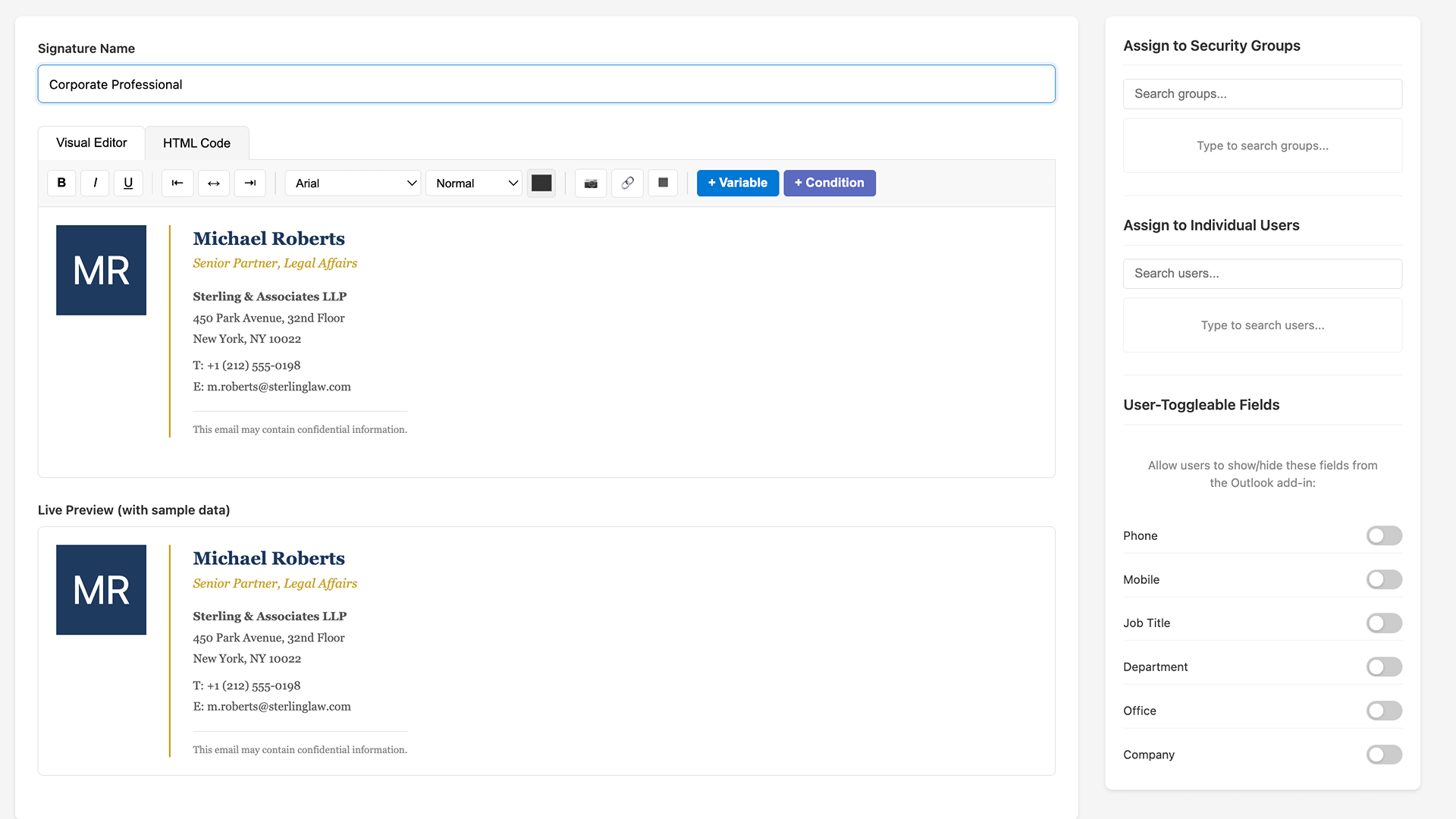
Assign to Users
Assign signatures to individual users or entire security groups. Changes apply instantly.
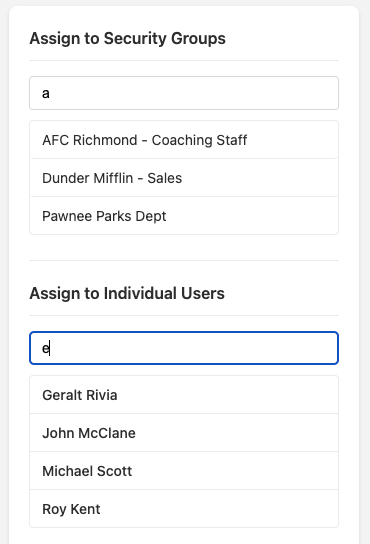
Deploy the Add-in
Deploy the Outlook add-in via Microsoft 365 admin center. Signatures auto-apply on new emails.
Roadmap
We're a small team building in the open. Here's what's coming.
Shared Mailbox Support
PlannedSignatures for shared mailboxes and distribution lists
Server-Side Signatures
ConsideringOptional transport rule integration for organisations that require it
Google Workspace
PlannedSupport for Gmail and Google Workspace organisations
Zoho Mail
PlannedSupport for Zoho Mail and Zoho Workplace
Apple Mail
PlannedSupport for Apple Mail on macOS and iOS
Campaign Banners
ConsideringPromotional banners and calls-to-action in signatures
Analytics
ConsideringTrack signature views and banner clicks
Got a feature request? Let us know
Start Free. Scale When You Grow.
Free forever for small teams. Need more? It's just £0.57 per user. No hidden fees, no surprises.
- Up to 5 users
- 1 signature template
- Auto-apply in Outlook (desktop, web & mobile)
- Entra ID sync for dynamic fields
- Includes a small “by MailTail” line in your signature
Need more seats, unlimited signatures and no branding?
MailTail Pro
Billed monthly based on active users
£684.00/year
Signatures applied instantly after setup
Compare & Save
Brandquantum
£4.02/user/month
86% cheaper
Save £4140/year
Wisestamp
£1.18/user/month
52% cheaper
Save £732/year
Exclaimer
£0.95/user/month
40% cheaper
Save £456/year
CodeTwo
£0.88/user/month
35% cheaper
Save £372/year
Opensense
£0.79/user/month
28% cheaper
Save £264/year
Crossware
£0.79/user/month
28% cheaper
Save £264/year
14-Day Free Trial
Try MailTail risk-free. Full features, signatures applied instantly. Cancel anytime.
How Billing Works
Monthly Billing
- Billed at the end of each month based on your peak user count
- No commitment - cancel anytime
- Perfect for teams that fluctuate in size
Annual Billing
Save 15%- Pay upfront for all seats at a discounted rate
- Add more seats anytime - charged pro-rata until renewal
- Perfect for predictable costs and best price per user
Both Plans Include
Questions about billing? Contact [email protected]
Frequently Asked Questions
Got questions? We've got answers.
Sign up and connect your Microsoft 365 account - signatures are applied to your users instantly. You get full access to all features during the 14-day trial. At the end of the trial, billing begins automatically or you can cancel anytime.
Still have questions?
We're a small team that actually responds to emails.
Email us at [email protected]Ready to Transform Your Outlook Signatures?
Join hundreds of companies using MailTail for professional, consistent Outlook signatures across Microsoft 365. Start your free trial today.